
Motion Control & Robotics / Creative Edge Productions
Motion control and robotic camera movement
Program the move, refine the timing and repeat the camera path. Our Kessler CineDrive and Edelkrone systems give product films, miniature worlds and visual effects a controlled way to move.
Book my discovery call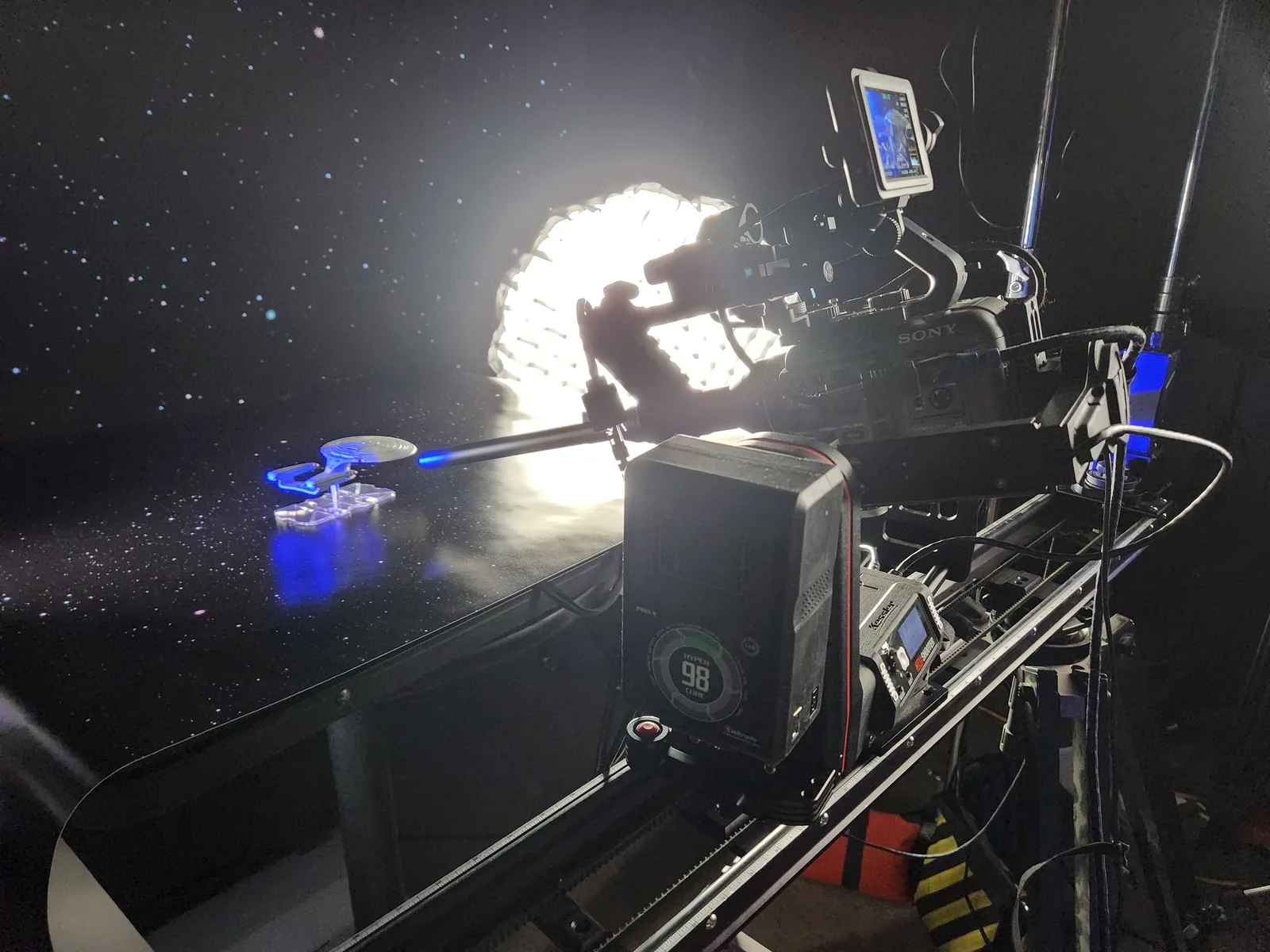 Motion Control & RoboticsCREATIVE EDGE PRODUCTIONS
Motion Control & Robotics
Design a camera move you can return to
Motion control lets us program how the camera travels, pans or tilts, then repeat that movement for another take or a different pass. That consistency is useful when the edit depends on matching shots, revealing small details or combining elements that were filmed separately.
Our in-house kit includes Kessler CineDrive, Kessler Second Shooter Plus, Edelkrone HeadPLUS PRO V3, JibPLUS and Tripod X Pro. We choose the setup around the camera, lens, space and move rather than treating every robotic shot as the same production.
Work & behind the scenes
See the moves behind the shot.
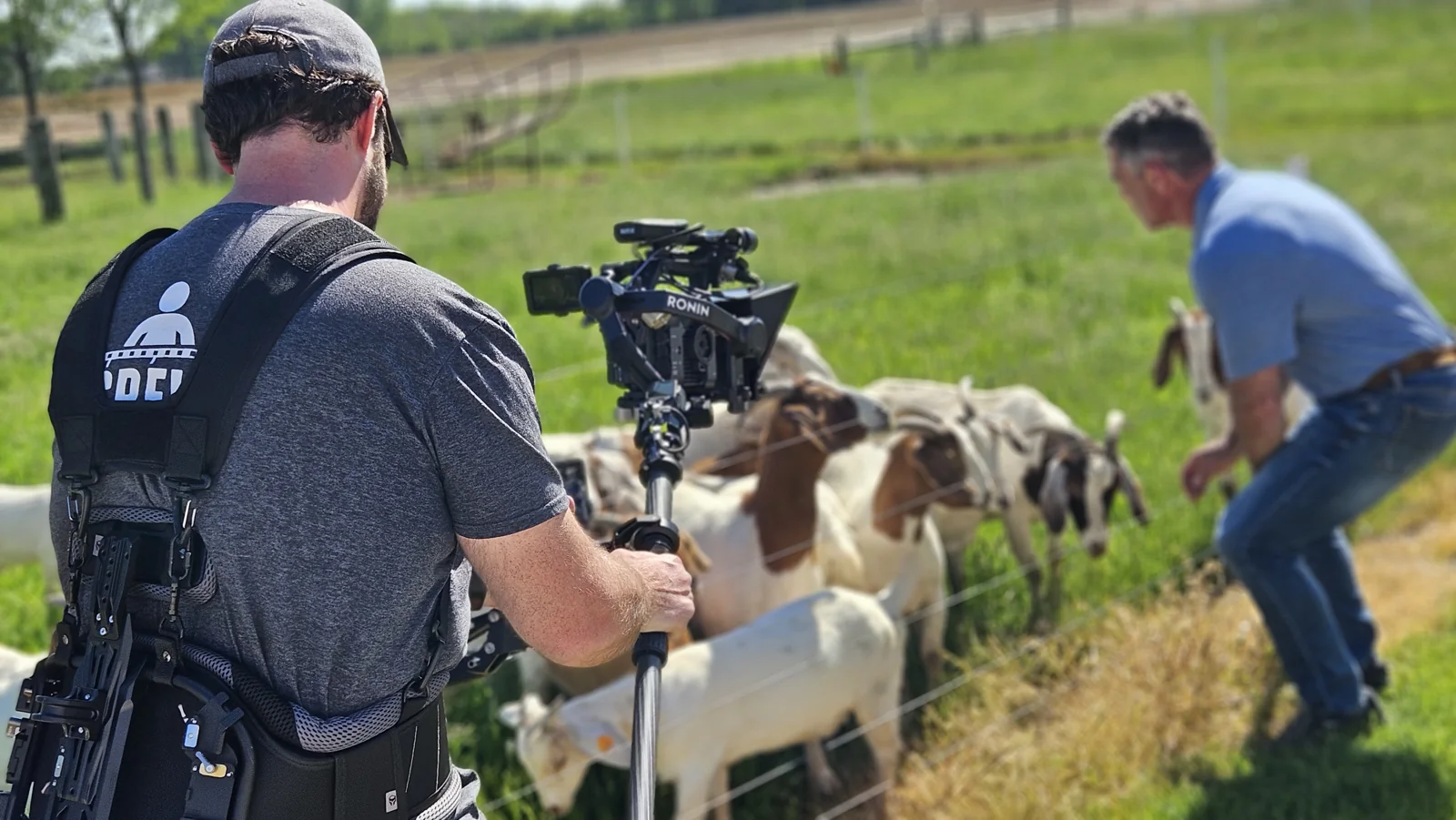
Go behind the scenes of a product commercial and a narrative production to explore the camera work.
Behind the scenes
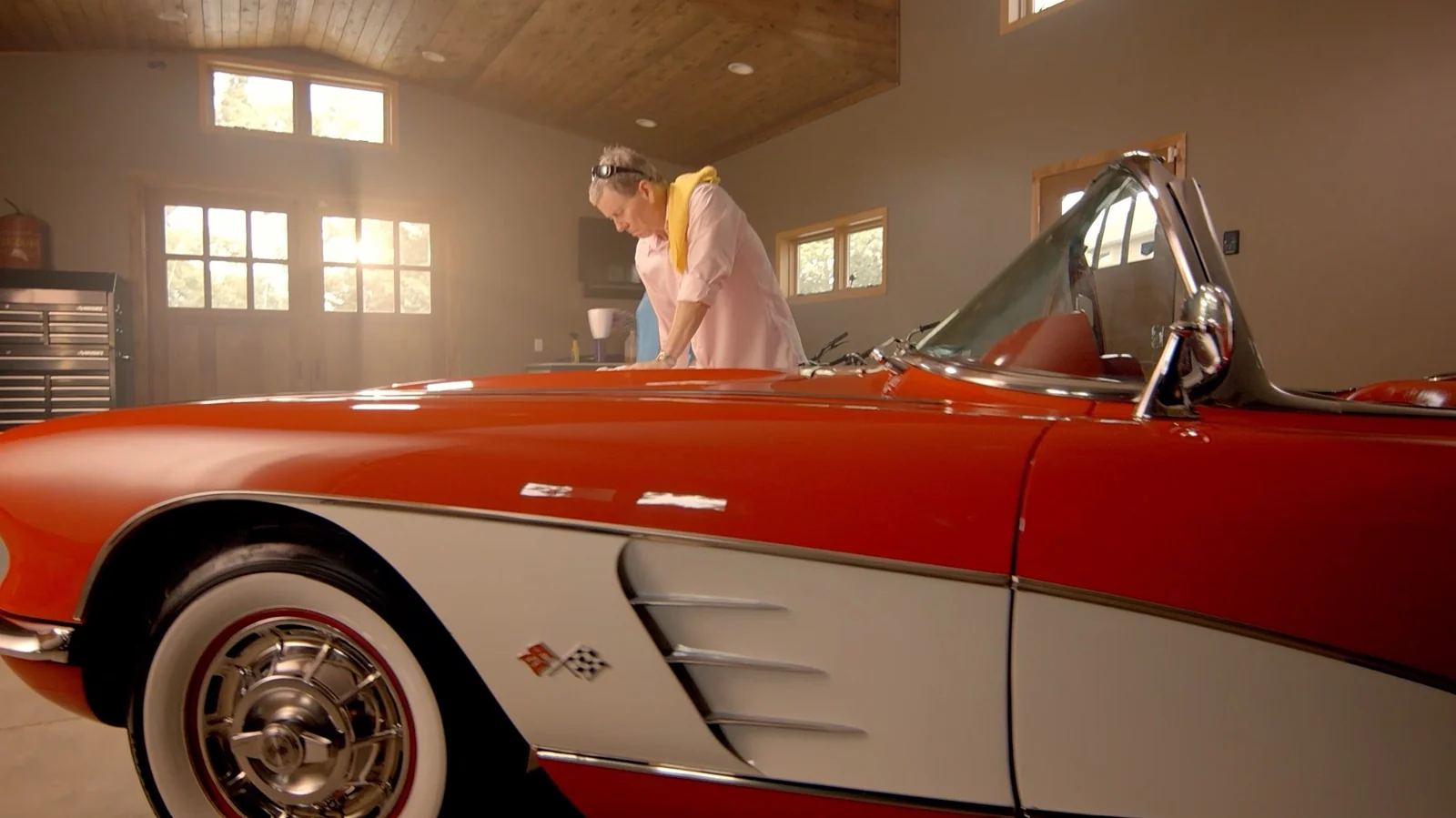
EPIC Shoe Commercial using Unreal Engine Virtual Production & Kessler Motion Control
Watch on YouTubeBehind the scenes
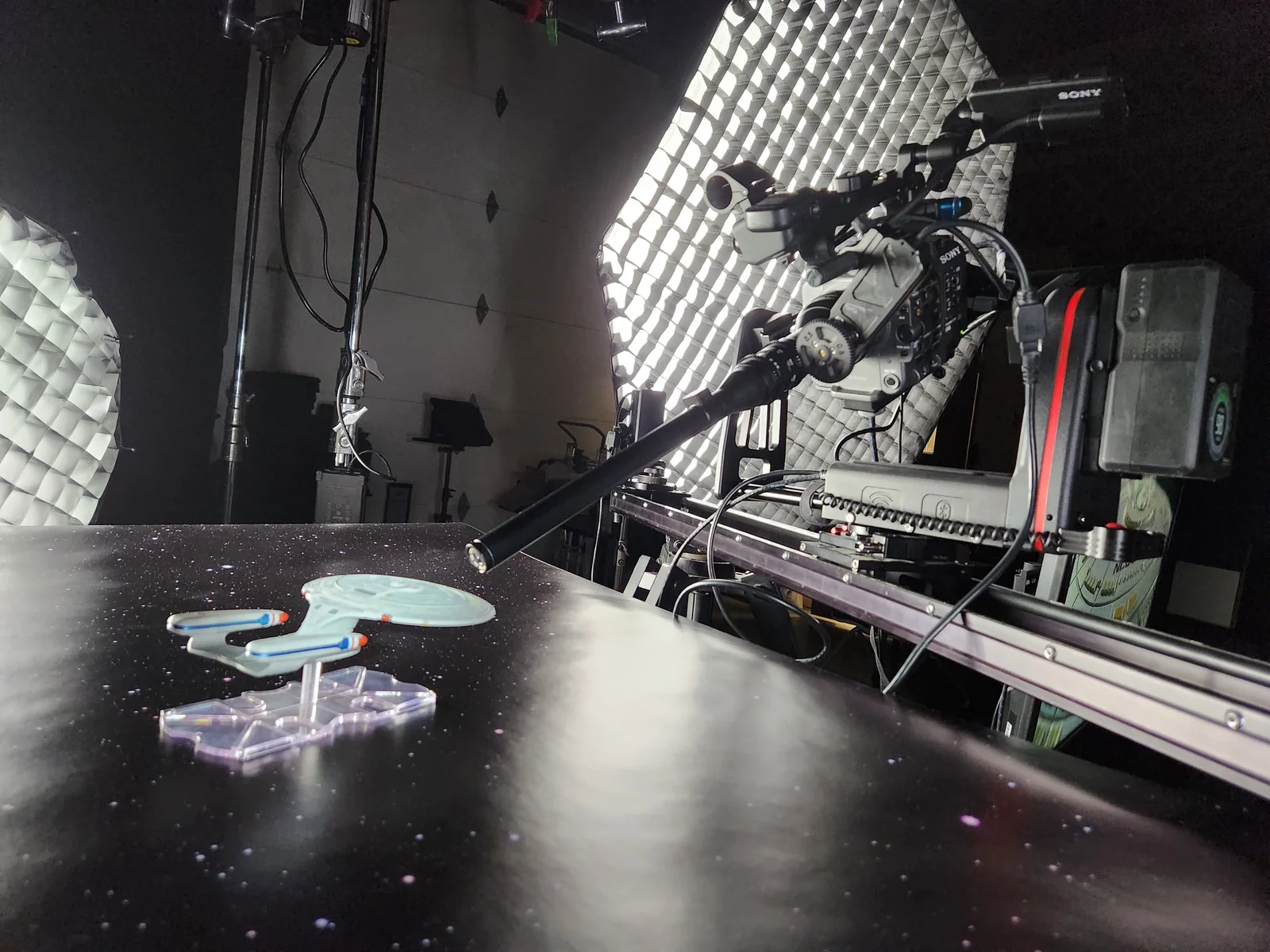
Star Trek Into The Unknown - Behind the Scenes
Watch on YouTubeChoose the right format
Where programmed camera movement earns its place
Motion control is most useful when the movement needs to do a specific job, not simply make a static subject feel busier.
Product reveals and detail passes
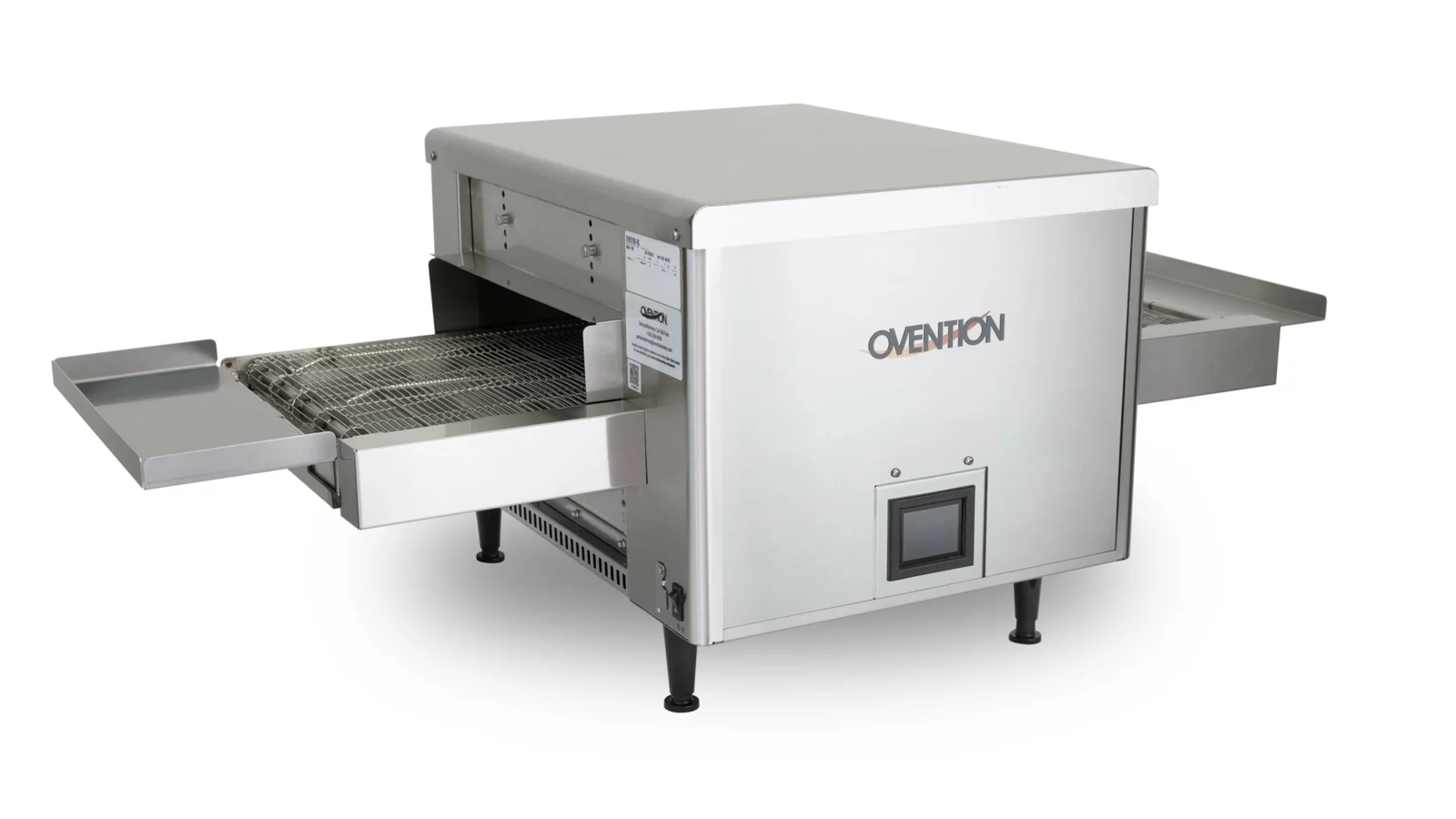
A controlled move can reveal the form, finish or mechanism of a product at a deliberate pace. Repeatability lets us refine the lighting or subject position while keeping the camera path consistent.
Where it worksProduct films, launch videos and campaign assets.
Miniatures and macro cinematography
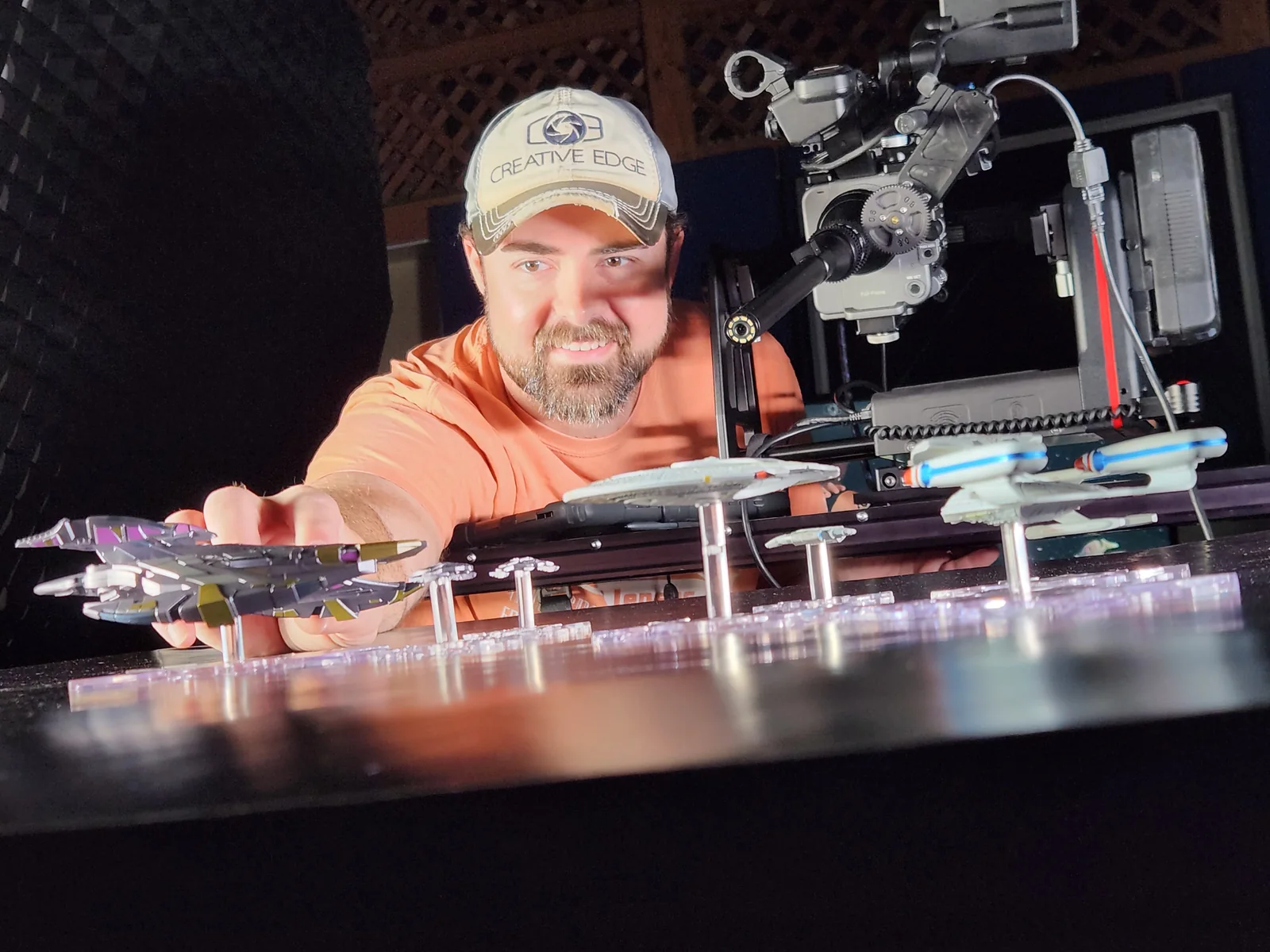
Small subjects make tiny camera changes very visible. A measured path helps us explore scale, parallax and fine detail while working around close-focus lenses and limited depth of field.
Where it worksModel worlds, collectibles and technical details.
Multi-pass visual effects
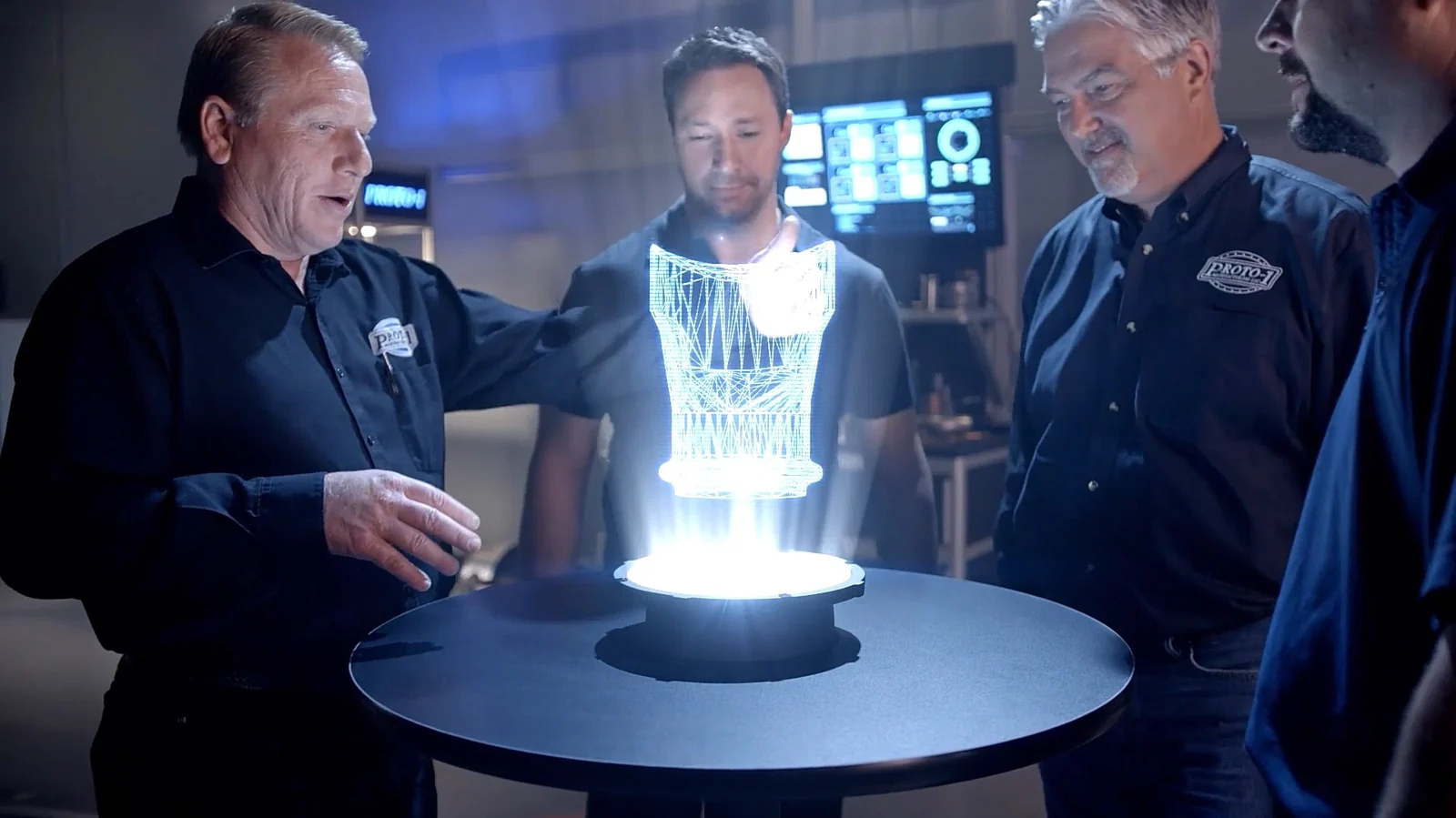
A repeatable camera path can connect separately recorded elements. Clean plates, alternate lighting passes and planned subject passes give compositing a more consistent starting point.
Where it worksLayered scenes and carefully planned VFX.
Matched transitions and product variations
Repeat the same movement around a changed product, setting or performance. Similar framing and timing can make transitions or comparisons easier to assemble in the edit.
Where it worksCampaign variations and before/after sequences.
Controlled time-lapse moves
A slow programmed change in viewpoint can add movement to a time-lapse. We plan duration, exposure, power and the amount of change the scene will contain.
Where it worksProcesses, environments and evolving scenes.
Repeatable studio and content setups
A saved movement can support a series or a collection of related products. The set, marks, light and camera settings still need a repeatable plan alongside the programmed path.
Where it worksProduct ranges and recurring studio content.
Tools with a purpose
Kessler CineDrive and Edelkrone in our kit
The exact camera support, axes and lens control are selected for the shot. We test the move and plan the practical setup before filming.
Explore our equipmentKessler CineDrive
CineDrive supports programmable, keyframed motion-control work. We use the required axes and support to build the camera path, refine its timing and create repeatable takes appropriate to the production.
Edelkrone camera movement
Our HeadPLUS PRO V3 and JibPLUS equipment gives us options for controlled pan, tilt and jib-style movement. We confirm the compatible configuration, camera load and available space for the specific shot.
Camera, lens and lighting coordination
Macro lenses, focus depth, reflections and lighting position can make or break a programmed shot. We rehearse the move with the actual subject and lens, then refine the scene as a whole.
Reference marks and post planning
Repeatability depends on more than a saved path. We record the important setup details and plan plates, subject timing and compositing needs with the edit in mind.
Working with Creative Edge
Camera movement planned with the finish in mind
Our cinematography, motion-control equipment and post-production work can be considered together from the start.
The equipment is already part of our production toolkit
Our in-house systems let the crew discuss motion-control options while the shot is being designed. Specialist requirements and any additional rentals are still confirmed in the scope.
We understand the cinematography around the move
The camera path works with the light, lens, subject and story. We can decide when a measured programmed move adds value and when another camera approach would be more useful.
The post team can help plan the passes
For transitions or VFX, the way the material will be combined should influence capture. We plan the necessary references and plates before the subject and crew leave the set.
From discovery to delivery
How we plan and film a motion-control shot
Explore each stage to see what happens, where your team is involved and which decisions keep the work moving.
We establish what the camera should reveal and how the shot will be used. Repeatability, scale, timing and VFX requirements guide the first decisions.
We review camera weight, lens, available travel, clearance and the location. The support and motion-control configuration are chosen for those requirements.
The crew establishes the key positions and timing, rehearses with the real subject and adjusts lighting, focus and framing as needed.
We capture the approved movement and any required clean plates, variations or supporting passes, preserving the setup details the finish will need.
The footage moves into the agreed edit, grade or composite. We review transitions, timing and the relationship between passes before preparing final versions.